Workflows · 1 min read
How To Use The "Go To" Function in Workflows
The “Go To” Workflow action can be added to the end of a Workflow path to send the contact to any given point in a specific path.
NOTE:The action can only be used at the end of a Workflow path.
Step 1: Using the “Go To” Workflow Action
- Navigate to Workflows.
- Click into the Workflow you wish to update.
- Add an action and choose “Go To” from the list.
- Click “Save”.
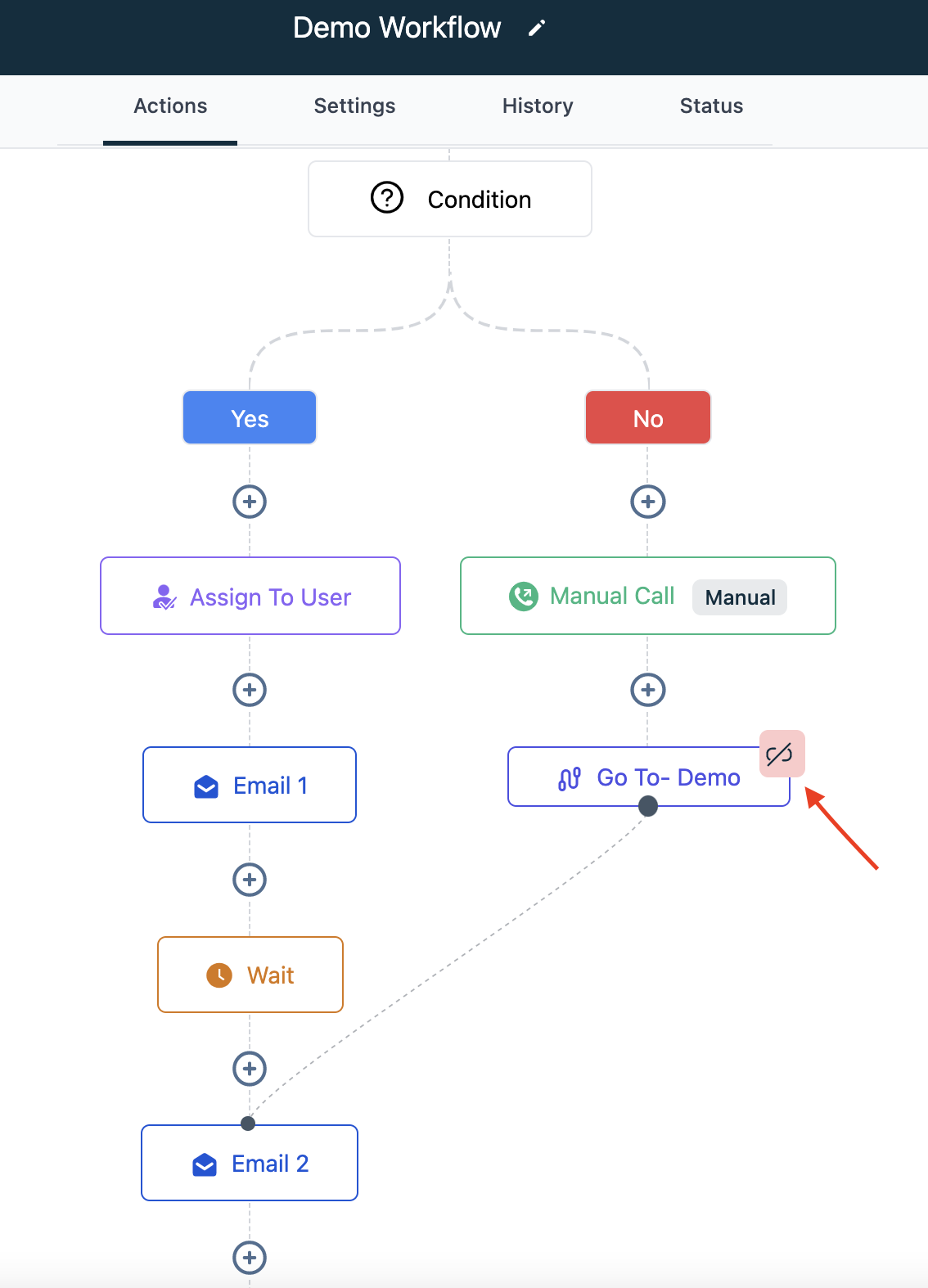
- A Green circle will appear under the action in the Workflow builder drag and drop it to the action you wish to direct the path to.
- You’ll then see this icon and the dotted icon, indicating the “Go To” action is set up in the path.