Workflows · 1 min read
Using the Contact Changed Workflow Trigger
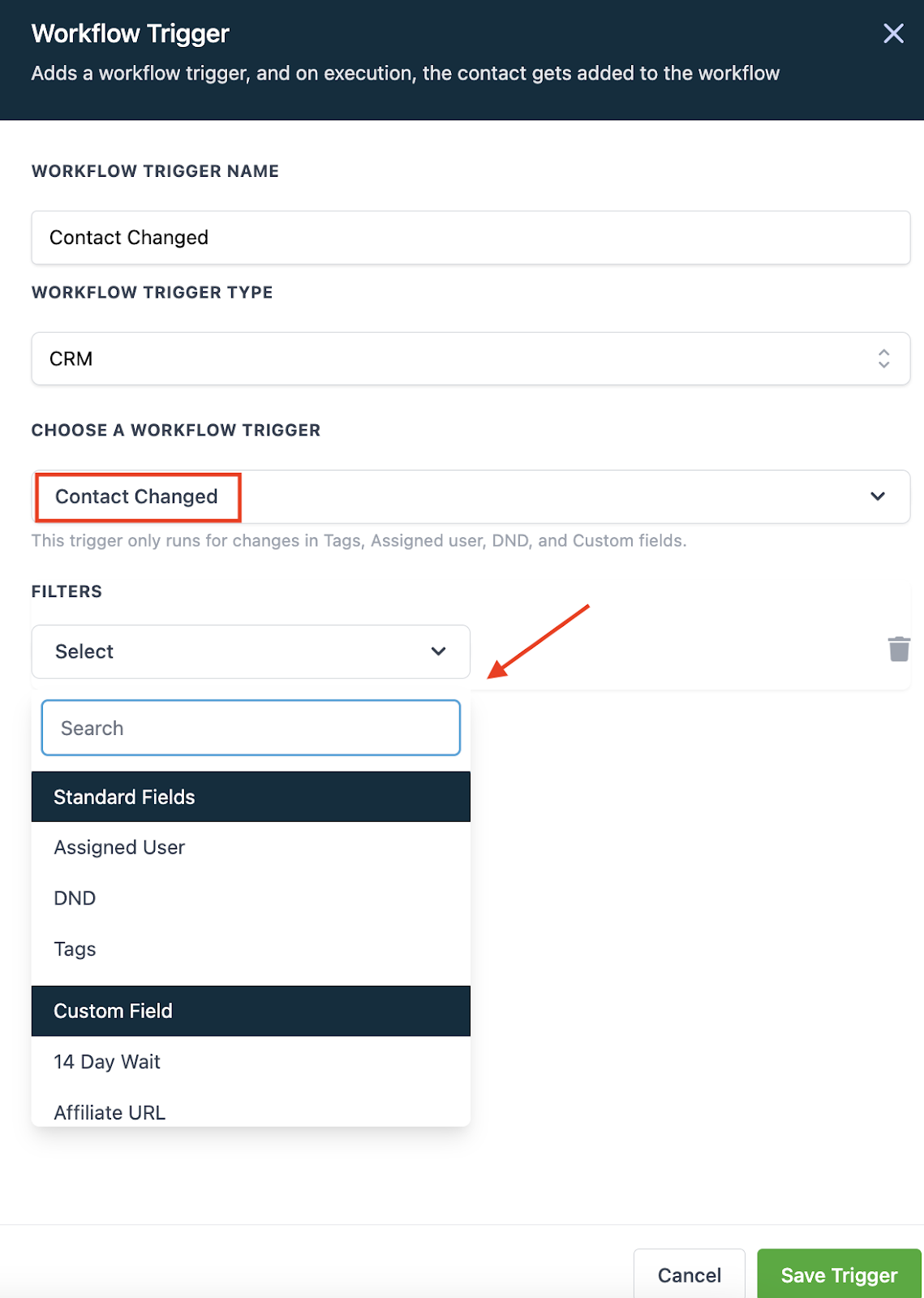
Within the Workflow builder, the “Contact Changed” workflow trigger allows you to automate actions when a contact record is modified. You can trigger events in a Workflow when a contact record is changed based on the following items:
- Tags being added
- Tags being removed
- DND being activated or removed
- Contact being assigned to a user, or reassigned to a user
- Custom field being populated
- Custom field changing to something specific
Follow these simple steps to use this Workflow Trigger:
- In the Workflow, click to add a Trigger.
- Choose “Contact Changed” as the Workflow Trigger.
- Select a filter from the dropdown menu.
- Save Trigger to add to the Workflow.