
Workflows · 1 min read
How To Mark Appointment Status as Invalid Using a Workflow
You can update an appointment status based on tags, which may be useful for your business and any automations you are running. Here's a recommended best-practice for updating appointment statuses based on tags within a Workflow, specifically related to the Invalid Status.
Part 1: Set up a tag for invalid Appointments.
- Step 1:Create a tag called "Invalid Appointment".
Part 2: Create a tag-based trigger in Workflows.
- Step 1:Navigate to Automations, and open a Workflow.
- Step 2:Set the Trigger to be "Contact Tag" and choose “Tag Added” and select the "Invalid Appointment" tag you created
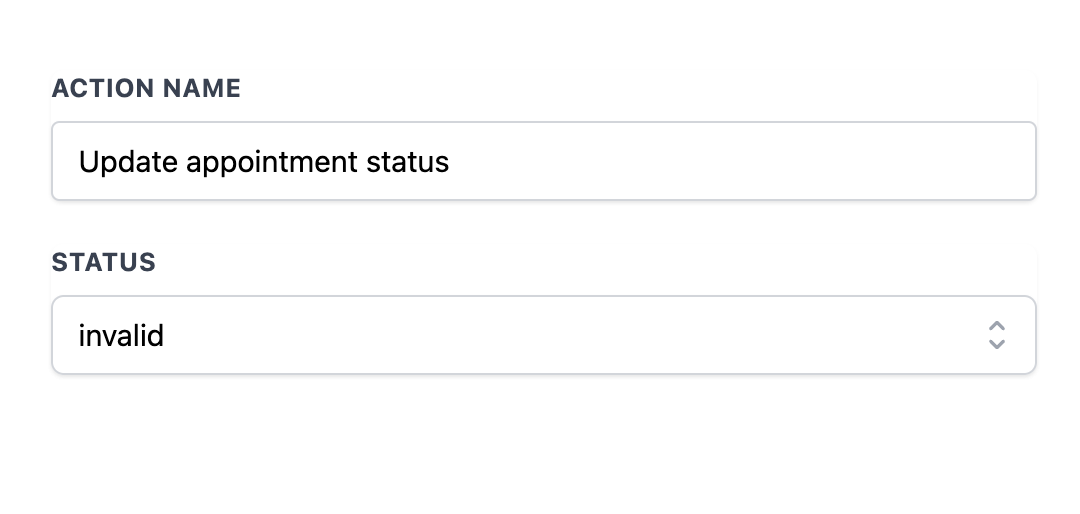
- Step 3: For the action, add “Update Appointment Status” and select “Invalid” as the status
- Step 3:In the top right hand corner, make the workflow active and save it.
Part 3: Using the Tag and Trigger
- Step 1: When you have a contact with an invalid appointment, add the "Invalid Appointment" tag and the workflow will run, updating their appointment status to "Invalid".