Integration & Widget · 1 min read
Integrating with Google
Integrating with Google allows you to sync your calendar to your Google Calendar as well as for reporting related to Google Ads.
Step 1: Go to Settings > Integrations
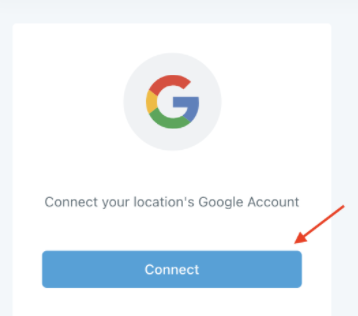
Step 2: Click “Connect” Under the Google Icon
Step 3: Select the account you wish to connect
Step 4:Enter your password (if prompted).
Step 5: Agree to the Terms & Conditions by click Allow
Step 6: Click Close.
You can now sync your Calendar to the integrated Google Account within Calendar Settings. You can also add analytics and Ad Word information for tracking & attribution purposes. To set up your Gmail SMTP, check out our article specifically about that as it is a separate process from the Google Integration.