Memberships · 2 min read
Client Portal: Unified Dashboard, Courses & Communities
Courses and Communities are included on Essentials, Unlimited, and Plus. Client Portal, the single home that ties the dashboard together with courses, communities, billing, and files, is included on Unlimited and Plus.
The portal is one sign-in and one navigation. A customer can continue a course, open a community, look at an invoice, download a shared file, or change their profile without jumping between separate sites. Progress, enrollments, and settings stay in place when the newer portal experience is turned on. Existing sign-in addresses and the way customers reach the portal do not change.
What customers see
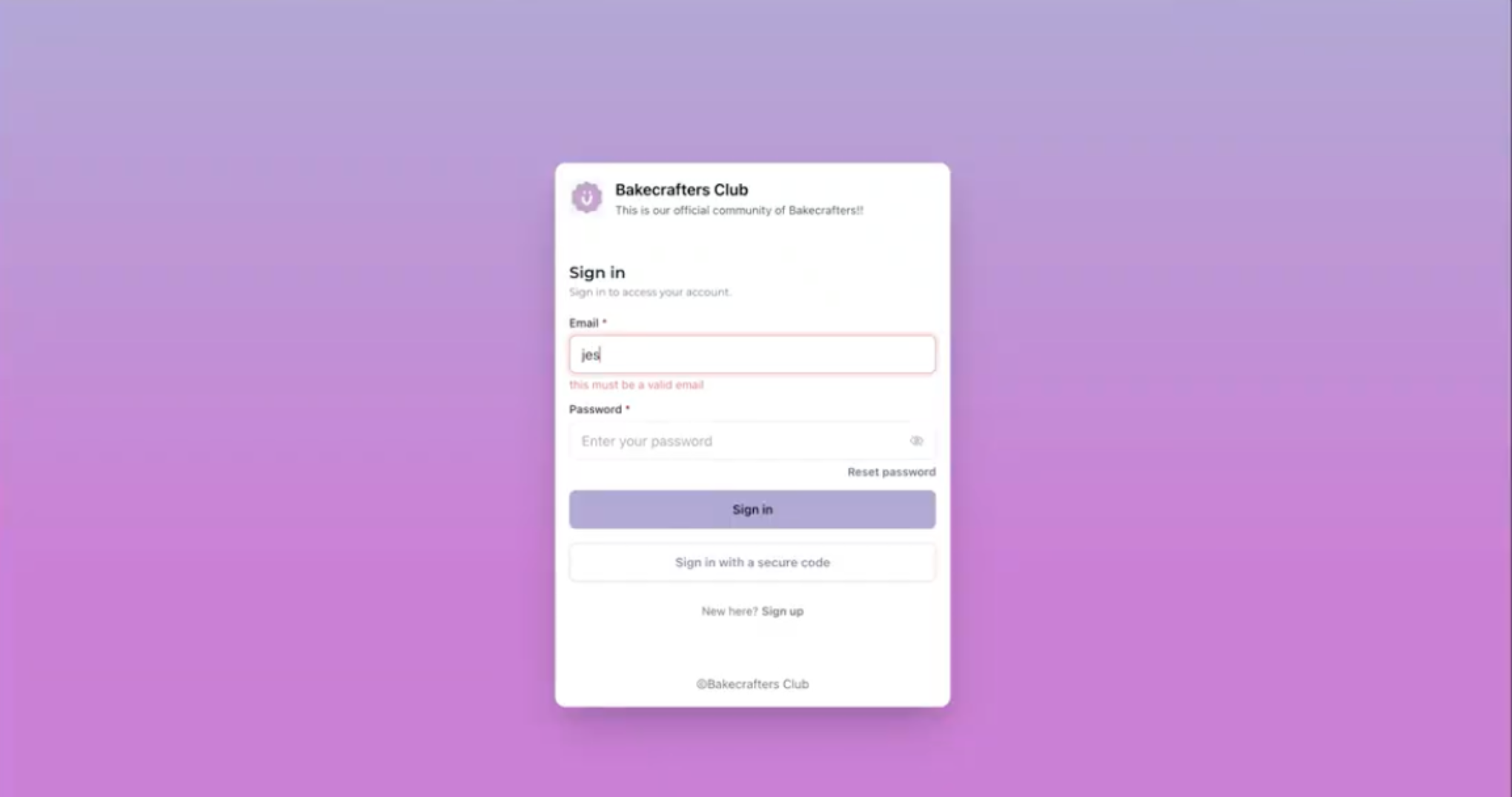
- Your business name and logo on the sign-in page and inside the portal.
- The same navigation for courses, communities, the dashboard, billing, shared files, and account settings.
- A dashboard that surfaces courses in progress, community activity, continue watching, pinned communities, billing items, and shared files.
- Account settings in one place: profile, social connections, certificates and badges, billing and subscriptions, chat preferences, and notifications.
- Faster pages on desktop and on a phone.
Public course and community pages that you mark as public can be read by search engines, with a normal address and page title. Private or members-only pages stay private and are not indexed.
Turn it on
Open the Client Portal dashboard in the account and use the enablement setting there. The newer experience replaces the older split layout. It is meant to stay on. If you are unsure, talk to support before you enable it.
Deeper options, such as custom navigation links and more branding controls, are described as coming later. Appointments inside the portal are also described as a later addition, with no date set. Everything that already works in Client Portal, including courses, communities, billing, shared files, and account settings, remains available.