
Funnels · 1 min read
Cart Mode in One-Step and Two-Step Order Forms
Multiple main products can be purchased through the order forms through using Cart Mode.
Step One: Navigate to your Funnel or Site
- Open the Funnel where you have your checkout (One-Step or Two-Step)
- Click anywhere on the checkout feature
- On the left hand side, the editing side bar will open
- Toggle on "Enable Cart Mode" option enabled to turn on enable selling multiple products in a single order
Step 2:Limit how many of a product someone can order
- Go back to the Funnel overview
- Click on Products
- Click the pencil edit Icon on the product you want to set a limit for
- Scroll down and toggle on “Allow multiple quantity to be purchased”
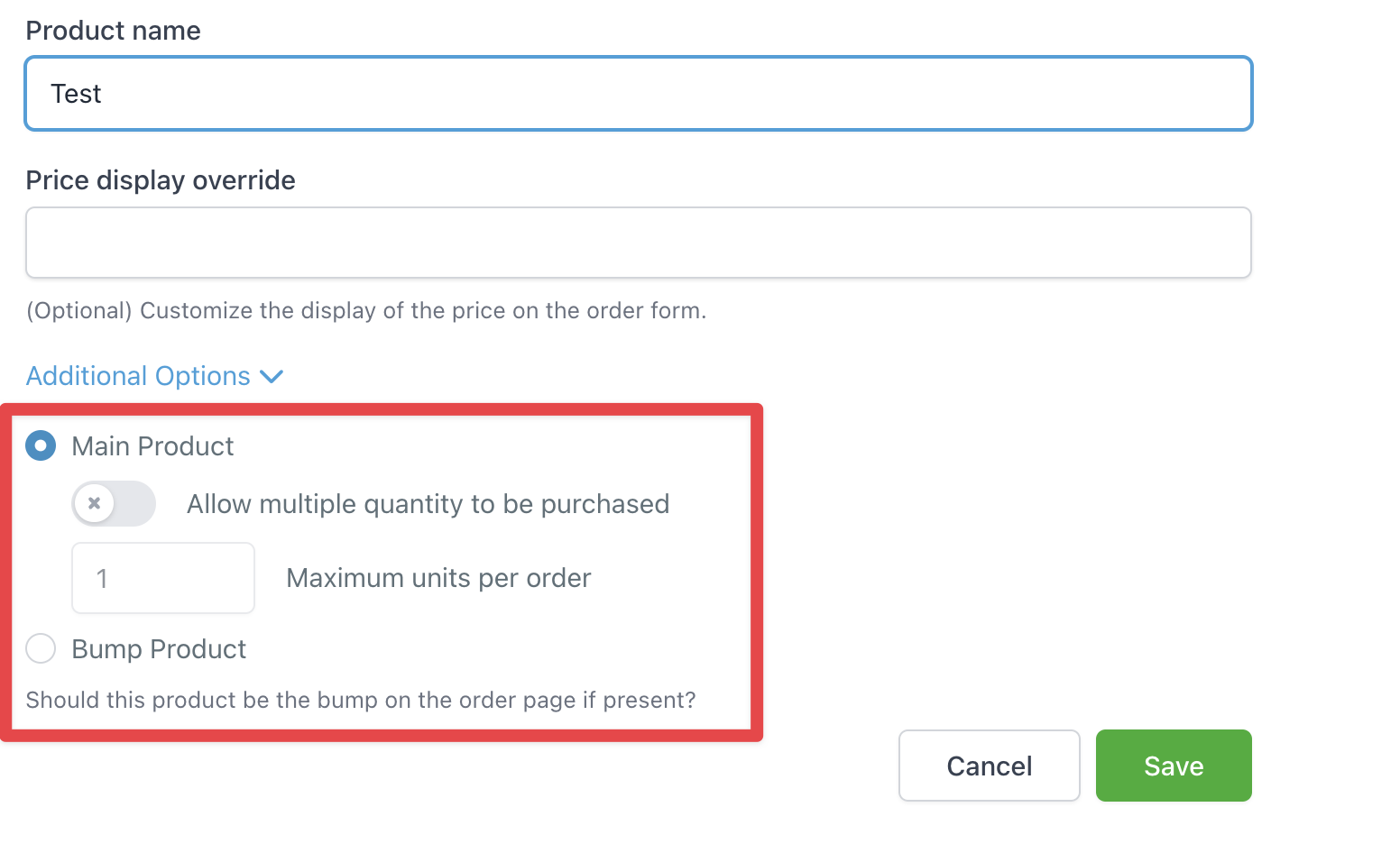
- Save