Websites · 1 min read
Custom 404 Page Setup
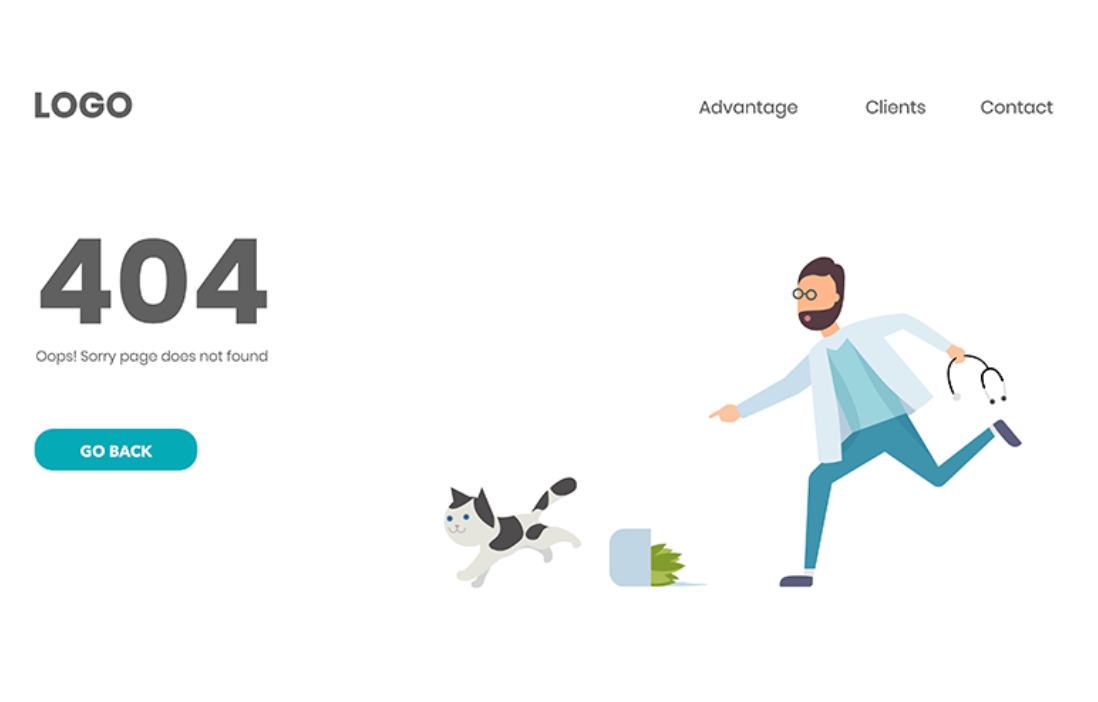
A 404 page is what visitors see when a link does not match a page. A custom one can explain that, offer a way home, and keep your branding instead of a blank error.
People land there from old links, deleted pages, renamed addresses, and typos. The page can point them to the homepage, a few important pages, or search.
Build the page
- Open the website or funnel builder.
- Create a page for the error.
- Add a short explanation, a button back home, and links to the pages you want people to find. A search box is optional.
- You can add an image. Keep the page simple.
Assign it to the domain
- Open Settings.
- Click Domains.
- Select the domain and click the edit (pencil) icon.
- Find Set default 404/Error Page.
- Choose the page you created.
- Click Save.
You can assign a different error page on each domain. One consistent page is easier for visitors.
If it does not appear
The usual cause is that the page was not selected, or Save was not clicked, in the domain settings. Open the domain again, pick the page, and save.
A custom 404 does not by itself change search ranking. It keeps people from leaving. If you want to see how often it is used, use the tracking you already have on that page.
This is separate from a 404 on your own domain's homepage. That problem is a missing default page or a DNS path, covered in the domain connection guide.